Nudge
Your whole workday, on a single screen
A Mac app built for office work. Tasks, calendar and knowledge cards — all on one screen, so you stop juggling a dozen tools.
Built for Mac, synced to iPhone and iPad.
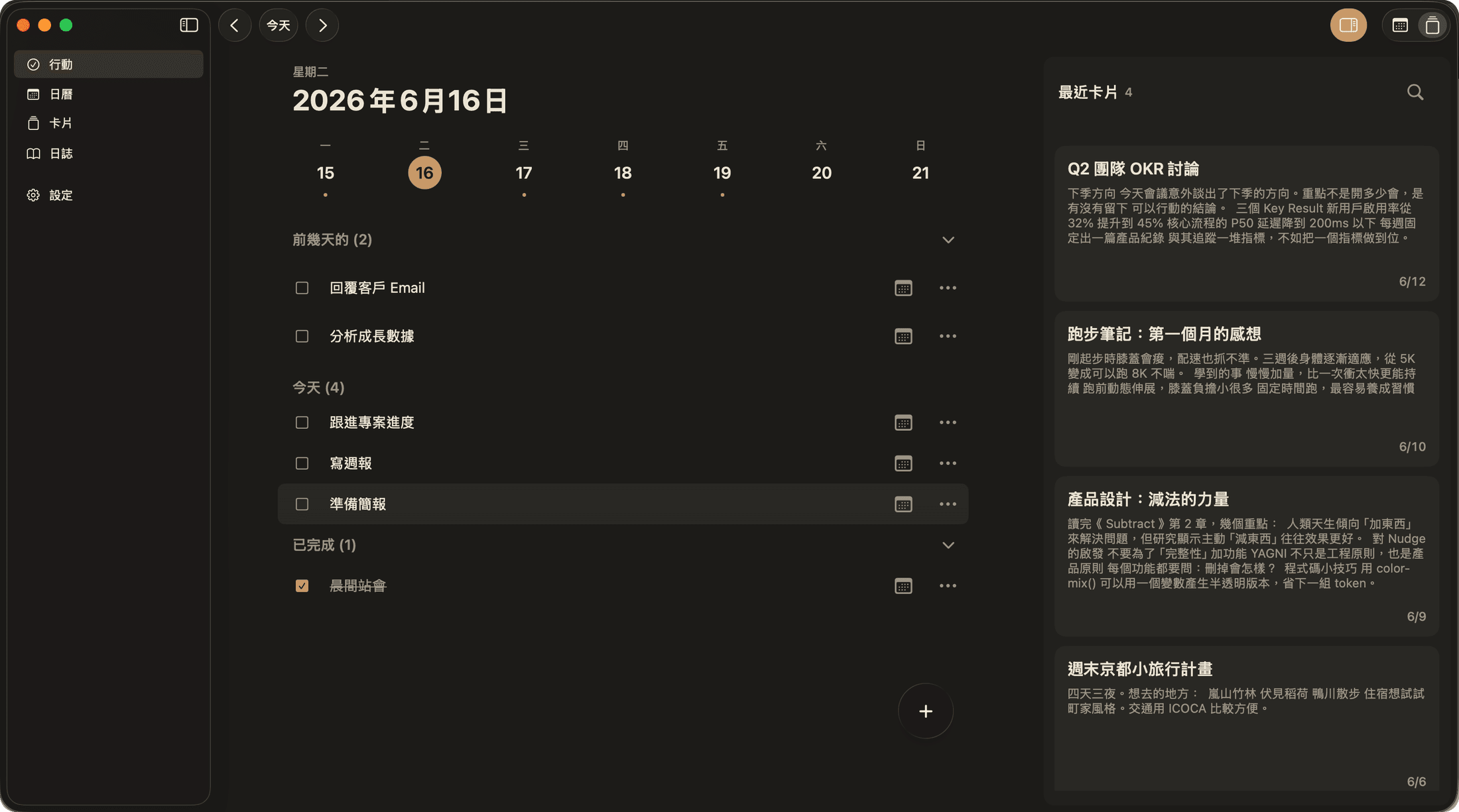
Mac · Today
One window, three things at once
Track today's tasks on the left, flip the right side between calendar and cards in one click — planning, schedule and knowledge all on one screen, no app-switching.
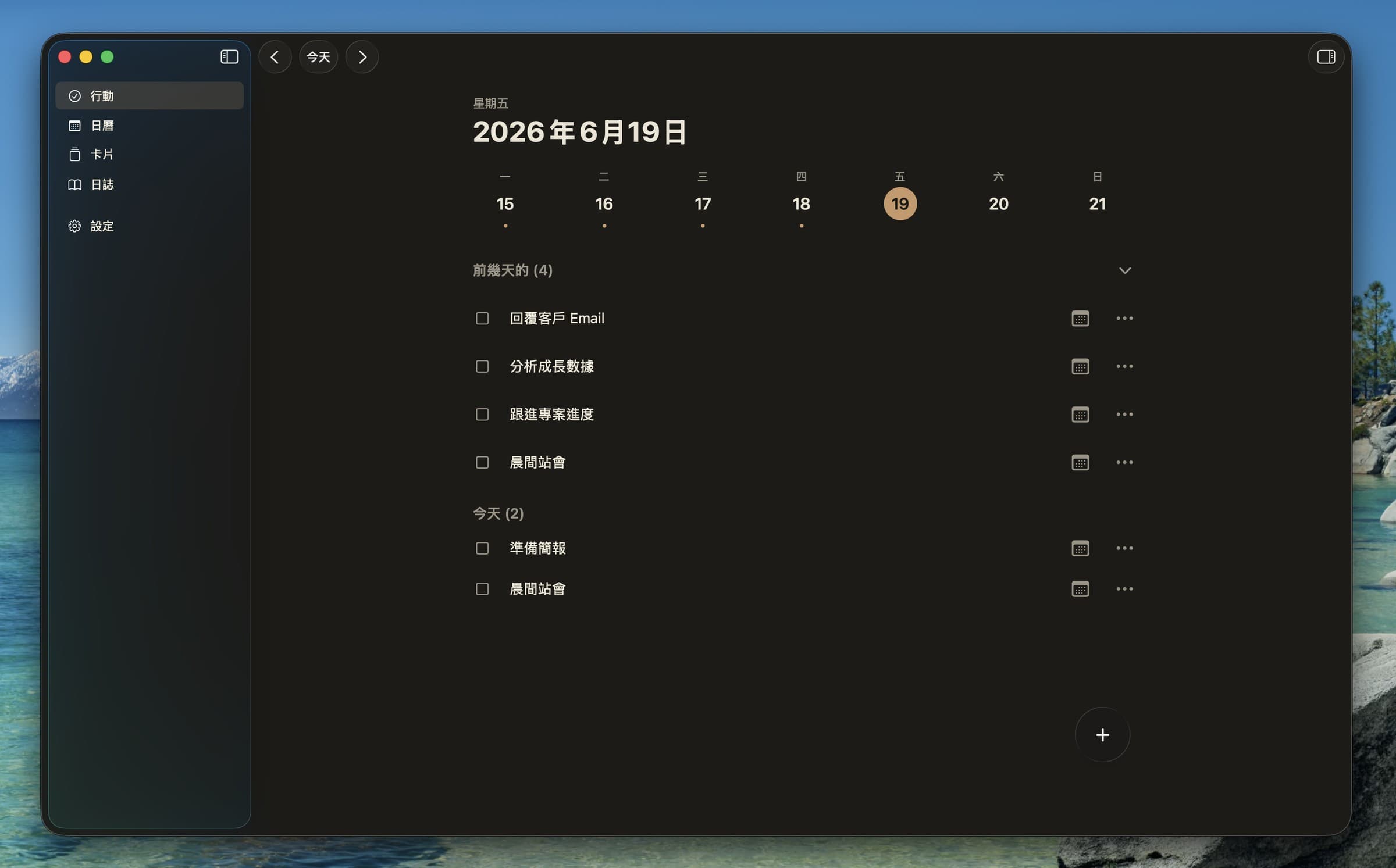
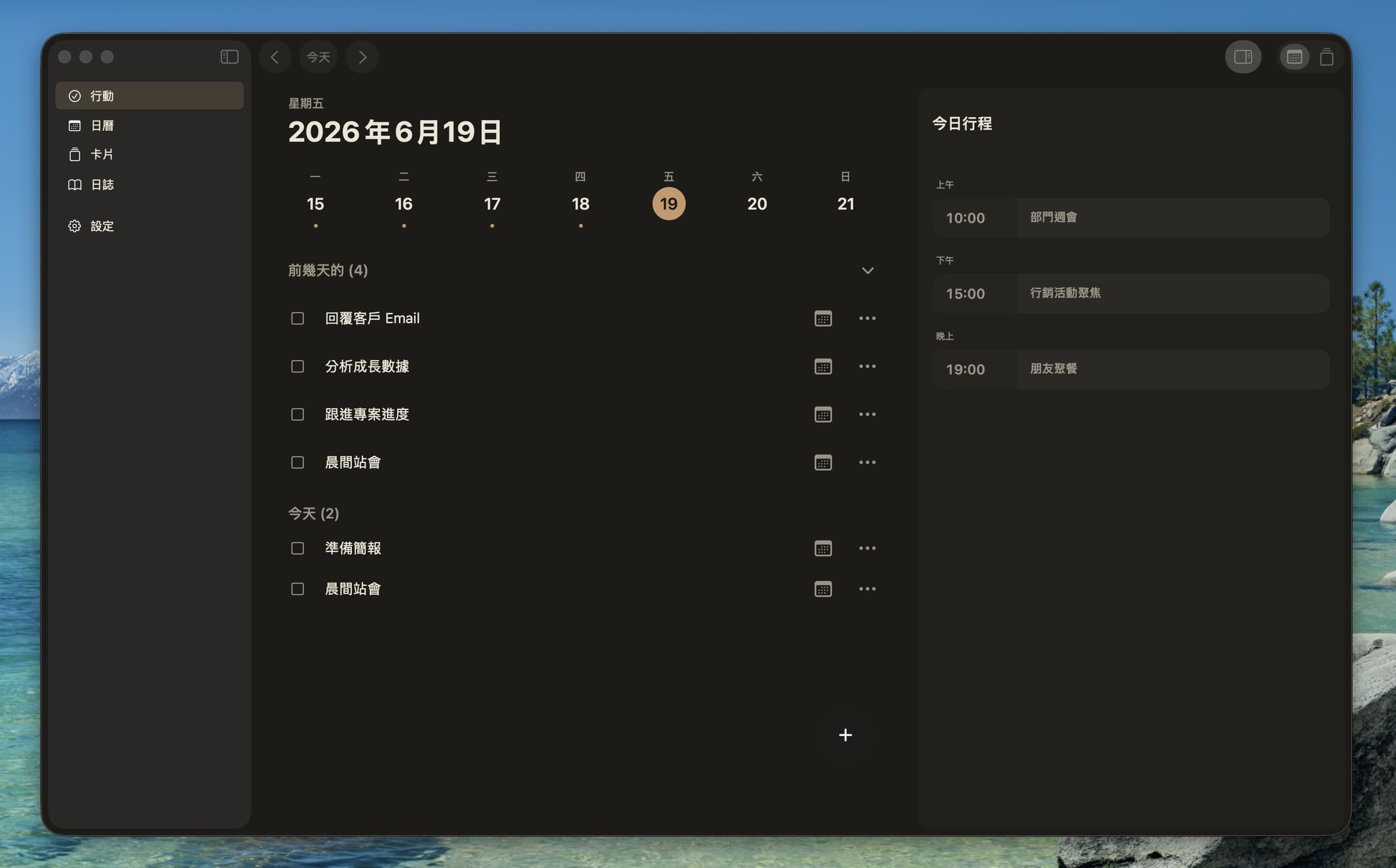
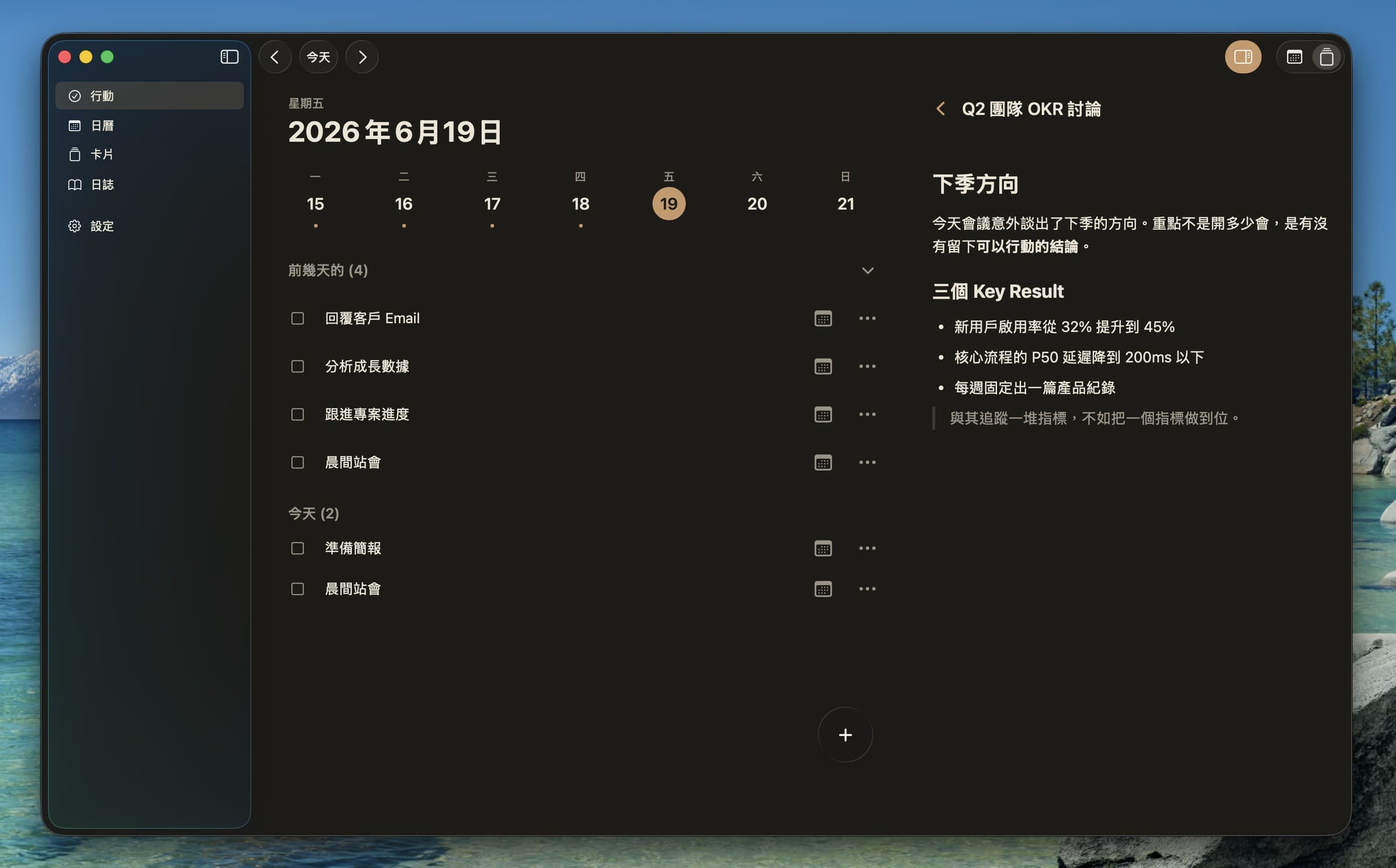
Track tasks
Today's list lives on the left — check off, schedule and defer at a glance.
See your calendar
Flip the right side to the calendar: today's meetings and schedule right there, one click to join the video call.
Write cards
Flip the right side to cards: jot meeting notes and decisions, revisit anytime.
A tool should wait for you, not chase you.
Daily tasks
Focus only on what matters today
Open it and today’s list is right there. Unfinished work carries over — no re-planning every morning.
Carries over
Unfinished tasks don’t vanish — they’re back at the top the next day, or move to another day (or archive) in one tap.
Recurring tasks
Daily, weekly or monthly routines — set once and they schedule themselves.
Custom reminders
Set a reminder time on what matters and get a push when it’s due — so you don’t have to keep it in your head.
Cards
Keep your knowledge in order
Meeting decisions, takeaways and reading notes all become cards, with Markdown support. Sort by tags, browse as list or grid — findable no matter how much piles up.
Calendar
Day, week, month — see the whole rhythm
Switch between three views in one tap to read how full each day is. Calendar integrated, so you join a meeting’s video call in one tap — no app-switching.
Journal
Jot it down, and keep every day
Fleeting thoughts and what happened today, captured on the fly. Look back later and the past is right there.
Cross-platform
Plan on the desktop, carry it on your phone
Mac, iPhone and iPad sync in real time. Home and lock-screen widgets show today’s list at a glance, and quick-add without opening the app.
And more
Full-text search
Search across tasks and cards — whatever you need, right at hand.
Works offline
View and edit without a connection; it syncs the moment you’re back online.
Markdown
Cards and notes support Markdown for clean, readable formatting.
Week view
A week of progress as dots — see how full it is at a glance.